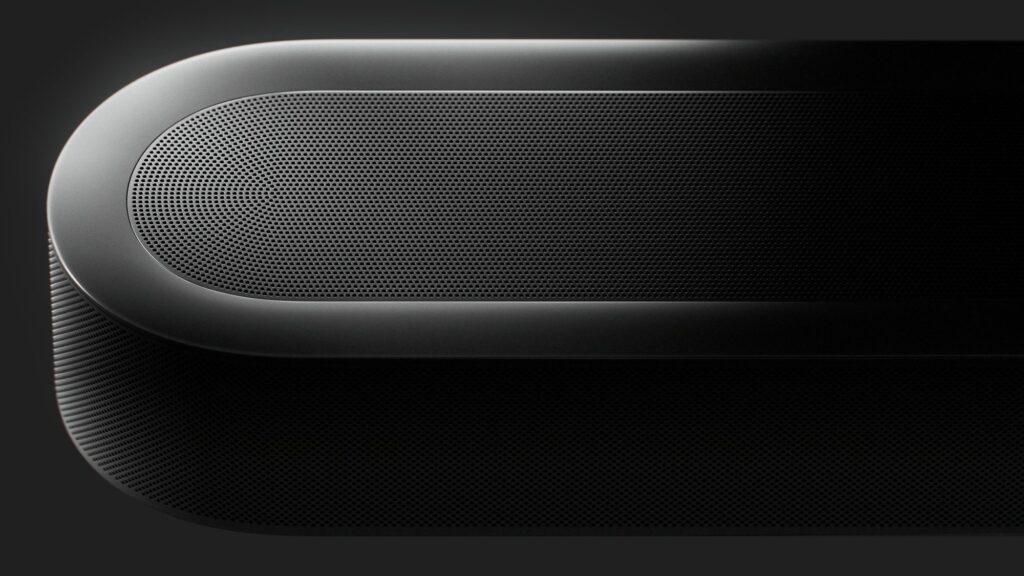
A soundbar comparison between two products from Sonos, the Beam Ultra and the Ray, shows how compact home theater hardware can be built for very different rooms. One is aimed at a primary living space with a television and a full surround ambition, while the other targets smaller rooms or secondary setups. Looking at what each one actually includes, rather than assuming they serve the same purpose, makes the choice between them clearer.
What Defines Sonos’s Soundbar Range
Sonos sells four soundbars at the time of writing: Arc Ultra, Beam Ultra, Beam, and Ray. Each one connects over Wi-Fi and can be controlled with a television remote or the Sonos app rather than a separate receiver. The range is built so that a single bar can later be grouped into a stereo pair or a surround system with other compatible speakers. That structure is the main thread running through the lineup, even though Beam Ultra and Ray sit at very different points within it.
Beam Ultra: Compact Dolby Atmos for Full Home Theater

Beam Ultra is the more advanced of the two soundbars discussed here, built around 7.1.2 Dolby Atmos processing inside a single compact enclosure. It streams Dolby Atmos content over Wi-Fi from supported services and connects to a compatible television through HDMI eARC or HDMI ARC. That connection type is what allows a fairly small unit to decode a layered surround format rather than a plain stereo signal. Sonos positions it as the bar meant for a primary television setup where film and show audio carry more channels of information.
Ray: Accessible Sound for Smaller Spaces and Gaming
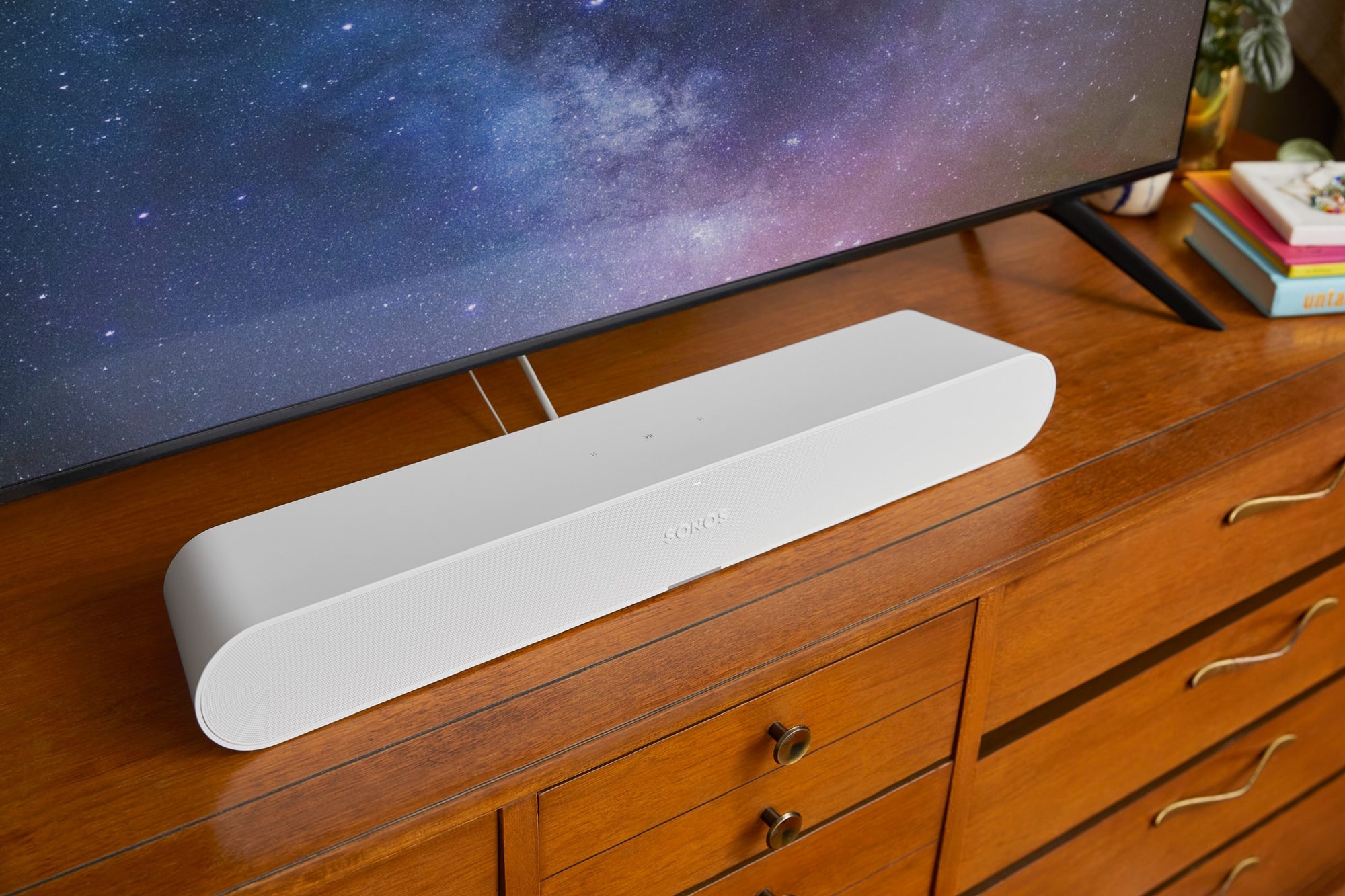
Ray takes a simpler approach, aimed at smaller rooms, bedrooms, or a secondary television rather than a main home theater setup. It does not include Dolby Atmos decoding, so its focus stays on clearer dialogue and fuller sound compared with a television’s built-in speakers. Ray remains part of the same Wi-Fi connected system, so it can stream music, radio, or podcasts on its own once it is set up. For a secondary screen used mainly for gaming or casual viewing, that combination covers the basics without the layered processing found in Beam Ultra.
Key Technical Differences Between Beam Ultra and Ray

The clearest divide between these two products is spatial audio support. Beam Ultra carries Dolby Atmos through 7.1.2 channel processing, and Ray does not offer that format at all. Both still rely on the same setup approach, using the Sonos app and a Wi-Fi connection instead of a tangle of cables and a separate receiver. Any soundbar comparison between the two ends up resting on this format gap more than on anything else in the spec sheet.
- Beam Ultra supports 7.1.2 Dolby Atmos processing, while Ray does not include Dolby Atmos decoding.
- Beam Ultra connects to a compatible television through HDMI eARC or HDMI ARC for Dolby Atmos playback.
- Both soundbars stream music, radio, and other audio independently of the television once connected to Wi-Fi.
- Beam Ultra includes Trueplay tuning, listed by Sonos among its room-adaptation features.
- Beam Ultra appears in bundled sets with a Sub Mini or two Era 100 speakers, while Ray is typically listed as a standalone product.
- Both soundbars can be grouped with other compatible Sonos speakers, since the same Wi-Fi based system runs across the wider range.
Building Beyond a Single Soundbar: Expansion Options
Sonos builds its range around starting with one room and adding speakers later, all linked wirelessly. Sonos lists bundle sets that pair Beam Ultra with a Sub Mini for one package or with two Era 100 speakers for a fuller surround package, and both are offered in black or white finishes. That modular setup means a soundbar purchase does not have to be a final decision, since more speakers can join the same system over time.
Ray sits in the same wireless ecosystem but is usually listed on its own rather than inside these larger bundled sets. That does not stop it from being grouped with other compatible products, since Wi-Fi connectivity runs across the whole catalogue. The practical difference is that Beam Ultra shows up far more often in the featured multi-speaker packages built around home theater expansion.
Which Soundbar Suits Different Room Sizes and Use Cases
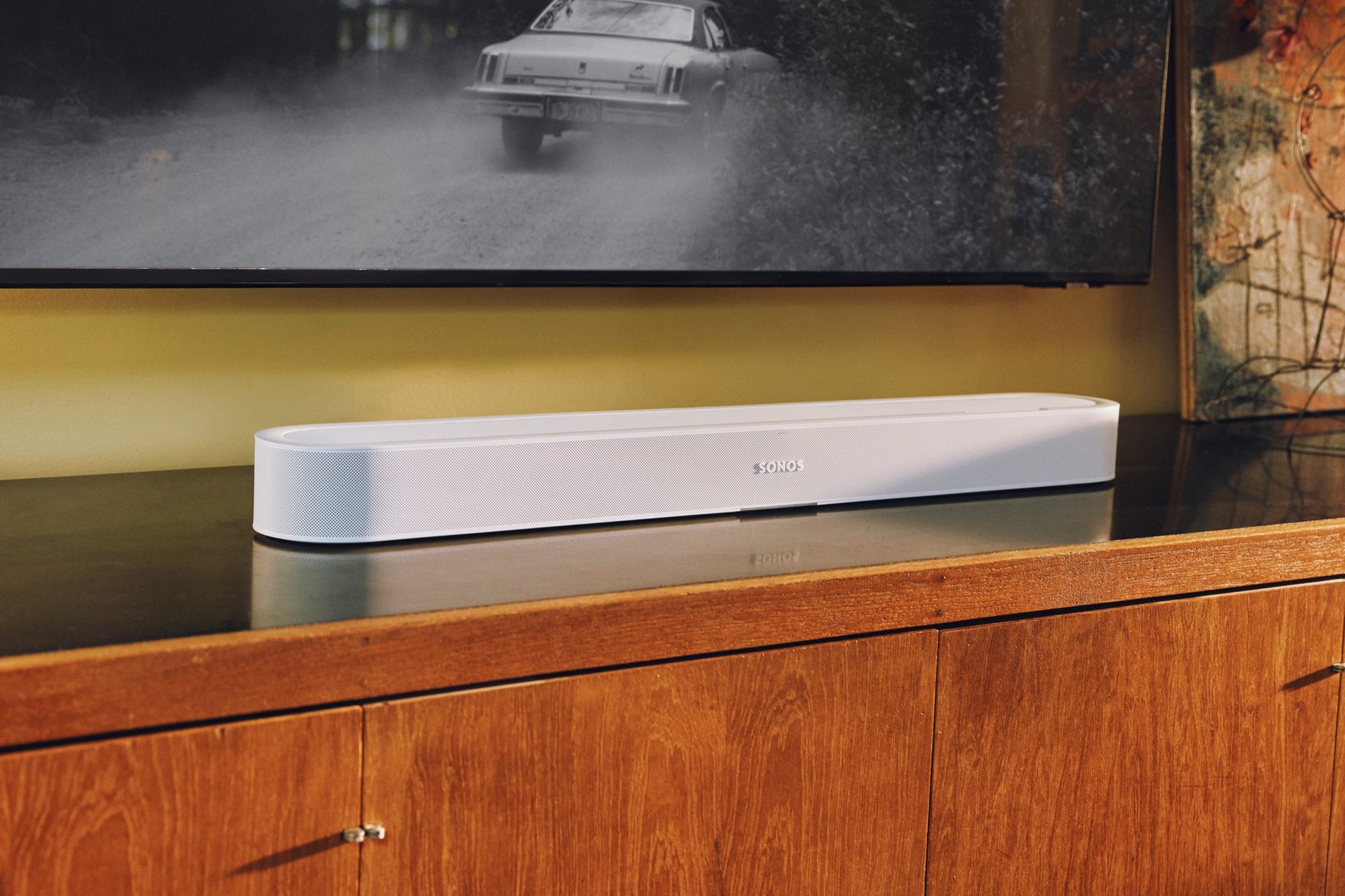
Room size and intended use remain the clearest way to separate these two products. Beam Ultra fits a primary living room or media space where Dolby Atmos content, layered surround sound, and later expansion all matter. Ray fits a bedroom, office, or secondary television setup where a simpler audio upgrade is the priority instead of full cinematic processing. A soundbar comparison along these lines usually comes down to whether Atmos support and future expansion matter for the room in question.
For gaming setups or casual viewing in a smaller room, Ray’s simpler connection and compact footprint can noticeably improve dialogue clarity over a television’s own speakers. Beam Ultra’s HDMI eARC connection and Atmos support instead suit rooms where film and television content benefit from a fuller spatial mix. Both remain controlled through the same Sonos app, so switching between music, radio, and show audio works the same way no matter which bar is installed.
Closing Thought
Picking between the two often has less to do with sound quality on paper and more to do with how a room is actually used day to day.