
School mornings bring a predictable surge of devices logging onto the home network at once, from laptops streaming lessons to tablets running quizzes and phones checking schedules. A back-to-school WiFi mesh setup matters because a single router rarely keeps pace with that kind of simultaneous demand, and it also fails to reach a desk tucked in a far bedroom or a finished basement. Households juggling remote learning, video calls, and homework research need coverage that reaches every room without dropouts.
Why Back-to-School Season Demands Reliable Mesh WiFi Coverage
Classrooms used to be the only place where dozens of devices connected to one network at once. Now that scenario plays out inside ordinary homes every weekday morning. A child on a video call for class, a sibling uploading an assignment, and a parent joining a work meeting can all strain a single-router setup within minutes.
Traditional routers were not built for this kind of layered demand. Walls, floors, and distance from the router all contribute to weak spots exactly where a desk or study nook happens to sit. A back-to-school WiFi mesh configuration spreads coverage across multiple points in the home instead of relying on one broadcasting source.
eero Pro 7: High-Performance WiFi 7 for Bandwidth-Heavy Households

eero Pro 7 is a tri-band Wi-Fi 7 mesh router built for homes with high-bandwidth needs, which describes most households during the school term. It supports internet plans up to 5 Gbps, with two auto-sensing 5 GbE ports and wireless speeds up to 3.9 Gbps, giving it room to handle several demanding connections without choking. That matters when one room runs a video lesson while another streams a tutorial.
Each eero Pro 7 unit covers 190 m² and supports more than 200 connected devices, which suits households with multiple learners, smart home gadgets, and personal devices all online together. It builds on Wi-Fi 7 features such as multi-link operation, and it stays compatible with all generations of eero as well as eero Built-in on select Amazon Echo devices. For a home adding new laptops or tablets ahead of a school term, that device headroom avoids the need for constant reconfiguration.
Setting Up eero for Multiple Simultaneous Learners and Devices

Placement recommendations built into the setup process help position mesh nodes for the strongest coverage across a home’s layout. The companion app walks through this in minutes rather than requiring a technician visit, which helps when a household needs the network ready before the first day of classes. Because the system supports Ethernet backhaul alongside wireless connections, nodes can be wired directly for extra stability during real-time activities such as video calls.
Wired backhaul is especially useful in a study room or home office where a dropped connection during a live class would be disruptive. TrueMesh technology routes traffic across whichever connection method performs best, whether wireless or wired. That flexibility means a back-to-school WiFi mesh network can expand as more devices join without a full redesign of the setup.
Managing Screen Time and Network Activity with eero Plus Parental Controls
An eero Plus subscription adds tools for managing multiple networks and devices from one place, which becomes useful once school routines bring more screens into daily use. Profiles let a household group devices by person, so a child’s tablet and laptop sit under one profile with shared content controls. The app’s Devices tab shows connection status, activity, and which frequency band each device is using, giving a clear view of who is online and when.
Wi-Fi scheduling allows limits across individual devices or the whole home, which can reduce distractions during homework hours or before bed. Guest Wi-Fi can also be created instantly and shared through a link or QR code, which is useful when tutors, babysitters, or visiting relatives need temporary access without exposing the main network. These controls offer a practical way to see and adjust what is happening on the network at any given moment.
- Each eero Pro 7 node supports more than 200 connected devices, covering the device load of a busy household.
- Coverage reaches 190 m² per node, reducing dead zones in larger homes or multi-story layouts.
- Automatic software updates deliver new features and security patches without interrupting the connection.
- Instant guest network setup lets a household share temporary access through a link or QR code.
- Wi-Fi scheduling allows screen time limits across individual devices or across the entire home network.
Automatic Updates and Security: Protecting Connected Devices During School Year

Software updates arrive automatically, bringing performance improvements and security enhancements without requiring manual installation or downtime. For a household depending on steady internet access for schoolwork, that hands-off maintenance avoids interruptions during a live class or an exam submission deadline. Rather than updating security software device by device, eero applies router-level protection that automatically secures every device connected to the network.
The app also shows the wifi authentication protocol in use for each device, noting that WPA2-PSK is the default with WPA3 support for newer hardware. It can identify a device’s manufacturer, whether Apple, Samsung, Intel, or Amazon, which helps a household recognize an unfamiliar device trying to connect. For families layering in smart home accessories, HomeKit Secure Router support adds another layer of control over what those accessories can communicate with on the network.
Seamless Connectivity Across Home Floors and Rooms
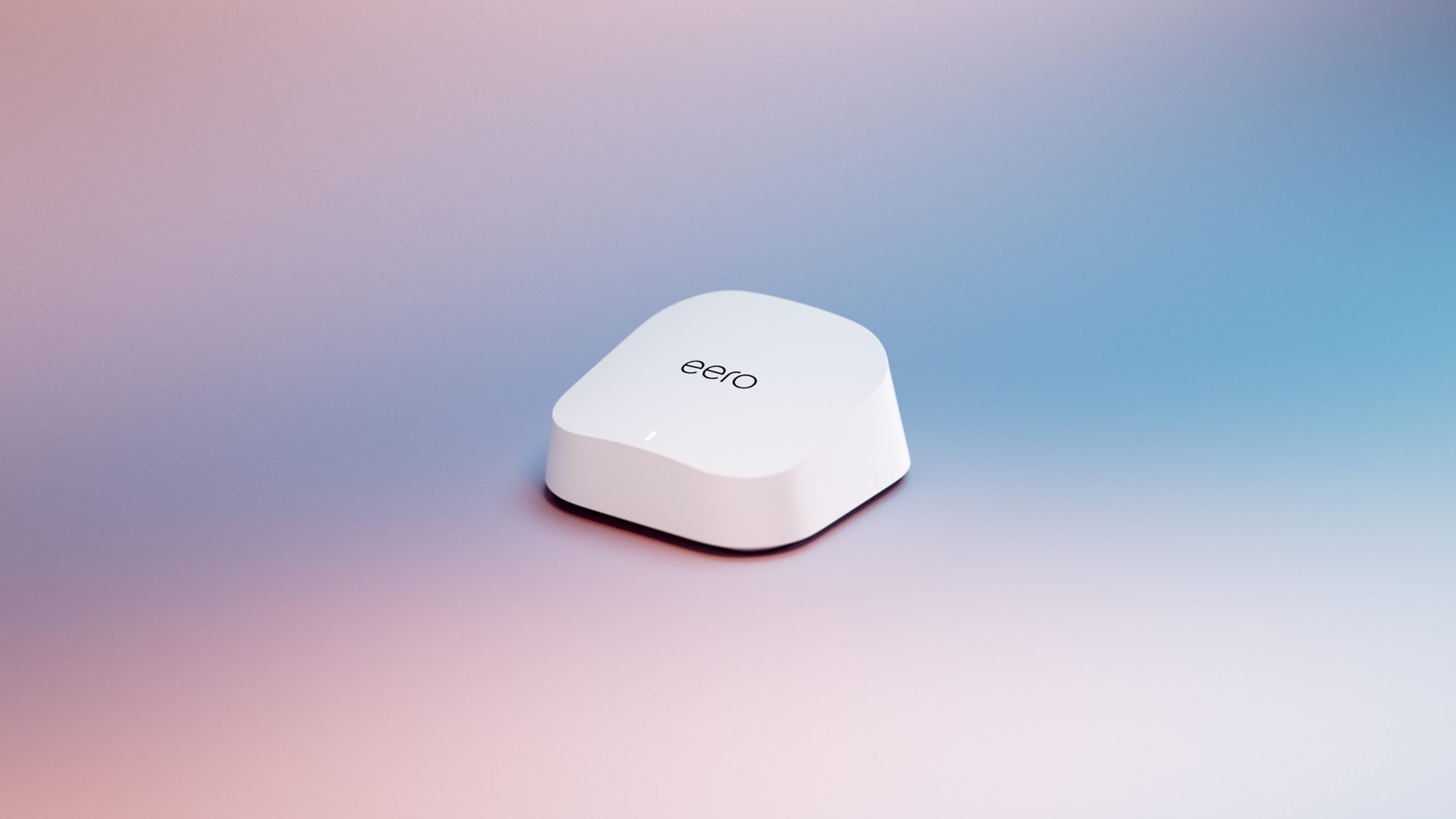
A mesh system’s core purpose is eliminating the dead spots that a single router leaves behind, particularly across multiple floors or thick interior walls. eero Pro 7 is designed to close those gaps so a connection stays steady whether a student studies in a bedroom, a basement, or a converted garage office, and that steadiness is what sets a back-to-school WiFi mesh apart from a single box sitting in one corner of a house.
Independent reviewers have noted this kind of performance directly. Wirecutter’s Joel Santo Domingo wrote that the mesh system outperformed setups costing two or three times as much when tested across a three-story house. That kind of whole-home reliability matters most during the exact weeks when school schedules, work calls, and household devices all compete for the same bandwidth.
A school term brings a sharper test of what a home network can actually handle. Preparing that coverage ahead of the first morning tends to make the rest of the season run more smoothly.