
Experienced gamers rarely stick to a single device anymore, which makes gaming headset connectivity a real factor in how a setup gets chosen. Moving between a console, a desktop rig, and a phone demands gear that can keep pace without constant replugging. SteelSeries builds its Arctis and Aeon Pro lines around different answers to that same problem, and the gap between those answers matters more than it first appears.
Understanding Wireless Standards in SteelSeries Headsets
Wireless gaming headsets generally rely on 2.4 GHz connections, Bluetooth, or wired fallbacks, and each comes with tradeoffs in range, stability, and the number of devices that can pair at once. SteelSeries headsets lean heavily on lossless 2.4 GHz wireless delivered through USB and USB-C dongles, which keeps latency low while still allowing a wired 3.5mm fallback. That dual approach means a headset is not stranded if a dongle is misplaced or a device lacks a free USB port. Gaming headset connectivity, in this context, becomes less about one single technology and more about how many ways a signal can actually reach a device.
Arctis Nova Pro Omni: Full Ecosystem Connectivity

The Arctis Nova Pro Omni is built around a feature called OmniPlay, which lets it move between PC, PlayStation, Xbox, mobile, and other sources without repairing each time. SteelSeries markets the headset with the line “Connect All. Hear All,” and backs that up by streaming multiple audio sources at once rather than forcing a choice. On top of that, it includes an Infinite Power System with two batteries, so one can charge in the GameHub while the other stays in use. For anyone rotating between a console session and a PC lobby in the same evening, that kind of layered gaming headset connectivity removes a lot of the friction.
Aeon Pro and Xbox-to-PC Integration
Where the Arctis Nova Pro Omni spreads itself across many platforms, the Aeon Pro narrows its focus to a specific pairing. The brand positions it around the tagline “Connect XBOX and PC, Play Forever,” which signals a tighter integration between those two ecosystems specifically. A narrower pairing between just two systems means fewer profiles to manage and less switching overhead for someone who never touches a Switch or a phone for gaming audio. SteelSeries designed this approach for players whose entire gaming life revolves around that single console-and-PC combination, making it a deliberate choice rather than a limitation.
The Technical Differences Between Arctis GameBuds and Full-Size Models
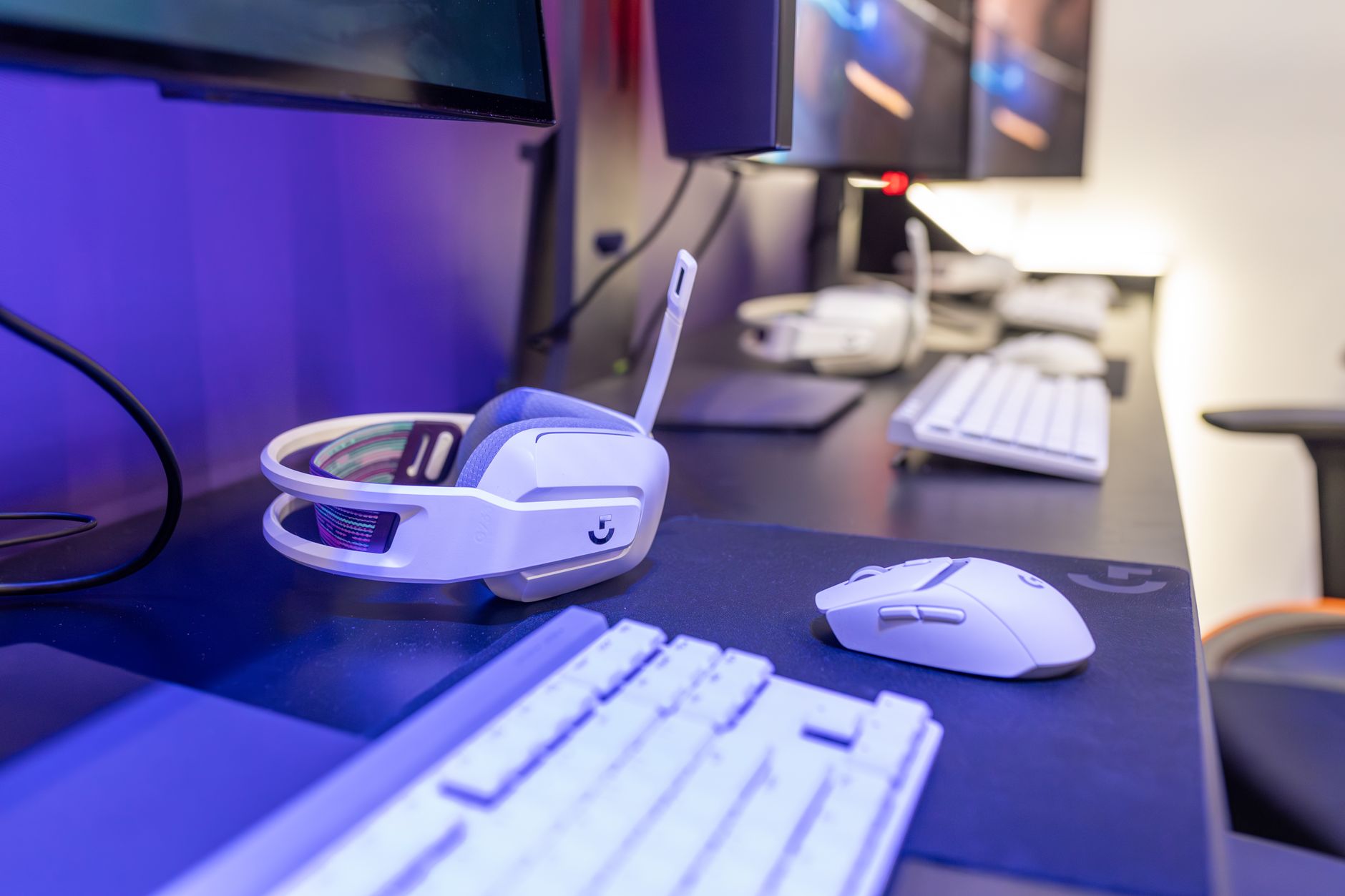
Arctis GameBuds, including the limited edition Matcha and Yuzu colorways built for Xbox and PlayStation, represent a different form factor compared to full-size Arctis headsets. Earbuds trade the larger drivers and boom microphones of over-ear models for portability, which changes how gaming headset connectivity gets handled day to day. A full-size Arctis model such as the 7X relies on 2.4 GHz lossless wireless over USB and USB-C across PC, Mac, PlayStation, Xbox, Nintendo Switch, and mobile, alongside a 3.5mm wired option on those same platforms. GameBuds are built around console-specific pairing instead, which narrows the connectivity story but keeps it simple for players who know exactly which systems they use.
Pairing Considerations Across the Arctis Headset Lineup
Switching a headset between systems is not only about raw signal type, it is also about how many paired profiles a single unit can hold without manual reset. SteelSeries headsets generally store pairing information per dongle or per Bluetooth connection, so a 7X carried between a PC and a PlayStation still needs its USB-C transmitter to travel along with it. That detail matters for anyone who shares a single headset across a shared household setup or a desk with more than one console nearby. Because each Arctis model handles this a little differently, checking the spec section of the specific product remains the most reliable way to confirm what a given pairing setup will actually support.
Latency, Switching Speed, and Real-World Multi-Platform Performance
For gamers who alternate between ranked PC matches and console sessions in the same week, how quickly a headset switches sources matters as much as raw audio quality. Premium features such as surround sound are not available on every device, due to platform-specific connectivity types, and the spec section of each product spells out where those limits sit. That caveat applies across the entire Arctis range, not just to the flagship Nova Pro Omni. As a result, real-world performance depends on which exact combination of devices gets used, not just on the headset alone.
- The Arctis Nova Pro Omni uses OmniPlay to move across PC, PlayStation, Xbox, and mobile while streaming multiple sources at once.
- The Aeon Pro concentrates specifically on linking Xbox and PC rather than spreading across every platform.
- Arctis GameBuds in Matcha and Yuzu editions are built for Xbox and PlayStation pairing in a compact earbud format.
- Full-size Arctis models like the 7X support 2.4 GHz lossless wireless plus 3.5mm wired connections across PC, Mac, PlayStation, Xbox, Nintendo Switch, and mobile.
- Surround sound and other premium audio features remain limited to certain platform connections depending on the specific Arctis model.
Taken together, these products show that gaming headset connectivity is not a single checkbox but a set of choices shaped by how many systems someone actually owns. A player with one console and one PC may find the Aeon Pro’s narrower focus sufficient for that pairing. Someone juggling a console, a handheld, and mobile gaming, on the other hand, is more likely to lean toward the broader reach of the Arctis Nova Pro Omni or the wired flexibility built into full-size Arctis headsets, and the lineup continues to offer both paths side by side.
The right headset ultimately depends on matching its connectivity features to the reality of how gaming setups actually get used.