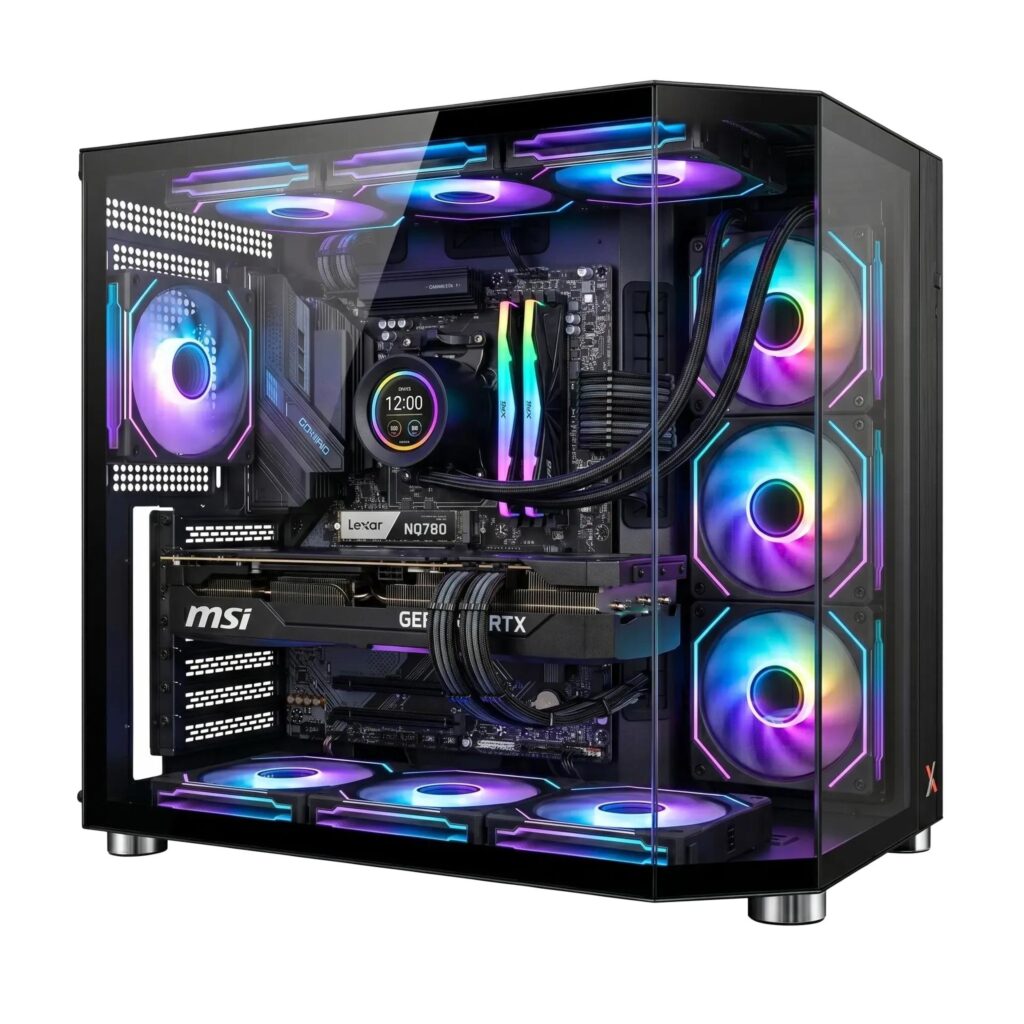
Define the Computer’s Main Purpose
Building a desktop computer can be rewarding because each component serves a clear purpose, but selecting parts without a plan can create an expensive and unbalanced system. The most effective starting point is understanding how the machine will be used. Everyday productivity, gaming, video editing and technical workloads place different demands on processors, graphics cards, memory and storage.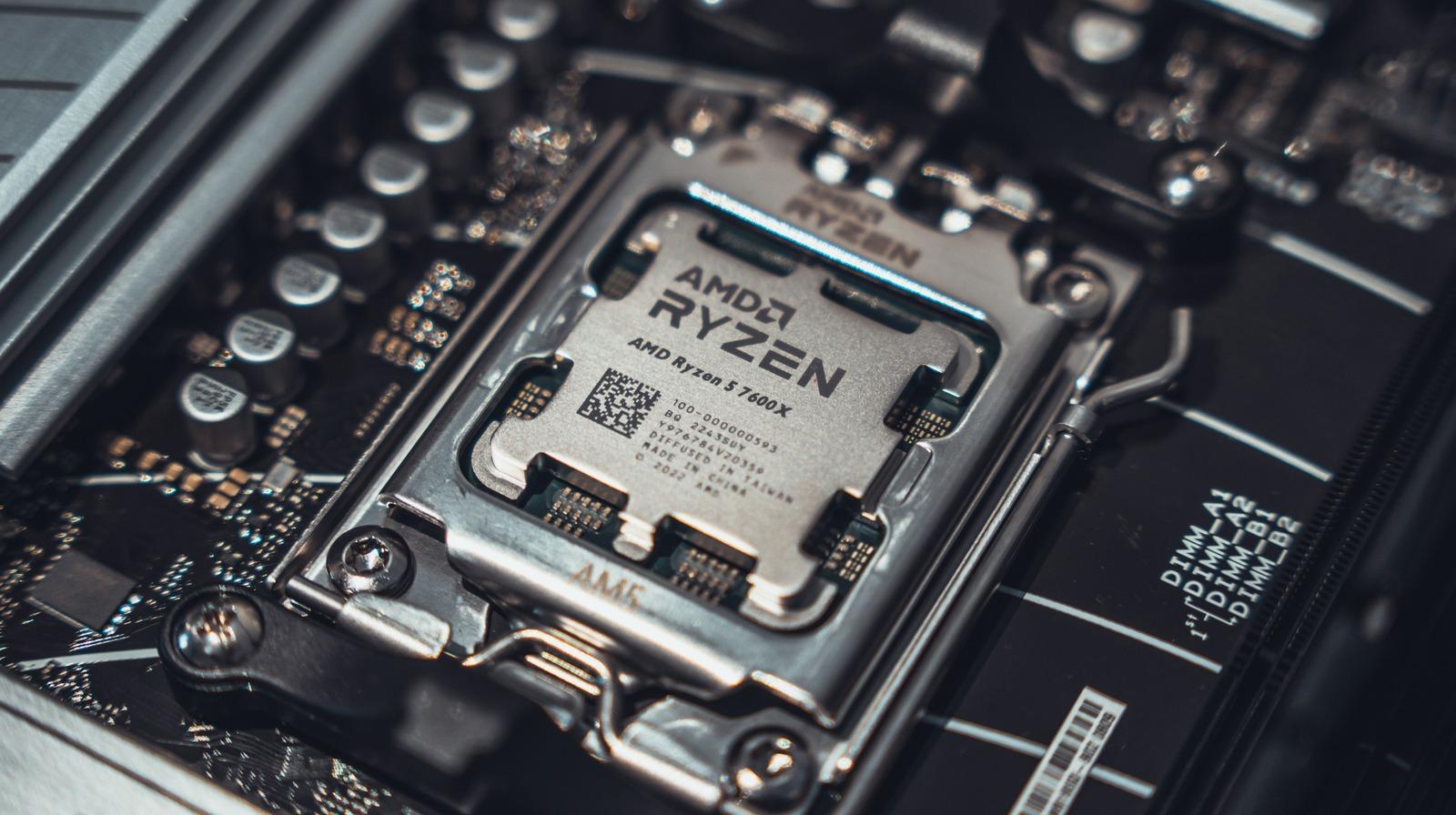
Tom’s Hardware publishes detailed PC-building guides and component comparisons that help beginners understand these trade-offs. Rather than starting with the most powerful available part, builders should identify a realistic performance target. A system primarily used for office applications has different priorities from one intended for high-resolution gaming or demanding creative software.
Budgeting for the complete build is essential. The case, cooling, power supply, operating system and peripherals all affect the finished experience. Spending too much on a single headline component can leave insufficient room for the parts that support stability, comfort and future upgrades.
It can help to define minimum acceptable performance rather than chasing every benchmark record. Screen resolution, application requirements and expected multitasking provide more actionable information than broad labels such as powerful or future-proof. A balanced parts list allocates resources according to the activities that matter most. Someone editing large video projects may appreciate more memory and fast storage, while another person may prioritise graphics performance for games. Matching the build to these needs makes spending more efficient.
Understand Compatibility Before Purchasing
Compatibility is more than checking whether parts can physically fit together. A processor must work with the selected motherboard socket and supported firmware. Memory standards and supported speeds must align with the platform. Cases need adequate clearance for graphics cards and coolers, while a power supply must provide the necessary connectors and sufficient capacity.
Guidance from Tom’s Hardware can help builders compare specifications and recognise common assembly mistakes. Before ordering, it is sensible to create a full parts list and verify the latest compatibility information from manufacturers. Motherboard documentation is especially useful for supported memory configurations, expansion slots and storage connections.
Builders should also consider airflow and noise. A compact case may look attractive but offer fewer cooling options or tighter cable routing. Larger fans can sometimes move air with less noise, while a well-planned intake and exhaust arrangement helps components operate consistently. Cooling choices should be suited to the actual hardware rather than appearance alone.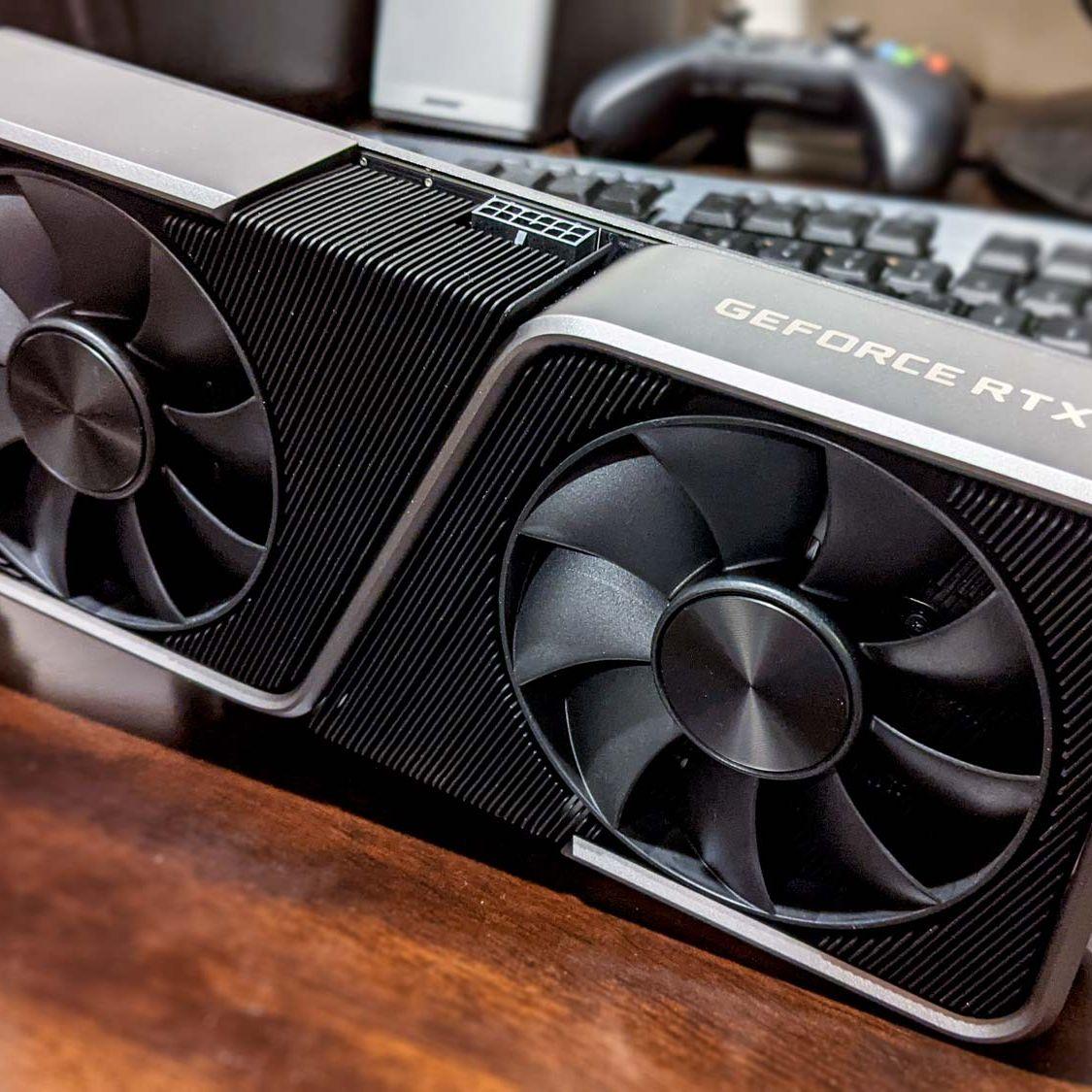
Storage planning is another frequently overlooked detail. A fast primary drive improves responsiveness, but sufficient capacity matters when applications, creative projects and games grow in size. Additional drives can provide room for archives and backups, though backup storage should not depend solely on the computer being assembled. Builders should also think about available ports, wireless connectivity and monitor connections. These everyday considerations may affect satisfaction more than small differences in benchmark scores.
Assemble Carefully and Test Methodically
A clean workspace, organised screws and basic tools can make assembly less stressful. Many builders install the processor, memory and primary storage on the motherboard before securing it inside the case. Cooler installation requires following the manufacturer’s instructions and applying thermal interface material correctly where needed. The process should never rely on force when connectors or components resist alignment.
Tom’s Hardware offers step-by-step assembly resources covering installation, wiring and initial setup. Beginners can use such a guide as a checklist while also consulting the instructions supplied with their exact parts. Front-panel headers and power connections deserve particular attention because small errors may prevent the system from starting normally.
After assembly, the first boot is a diagnostic milestone rather than the end of the process. Users should verify detected memory and storage, monitor temperatures and install current operating-system and device updates. If something does not work, changing one variable at a time usually makes troubleshooting more productive.
Patience during the first startup can prevent avoidable mistakes. Some systems take time to initialise memory or complete firmware checks, so immediately switching power off may interrupt normal processes. If a system fails to display an image, builders should consult the motherboard’s diagnostic indicators and verify power cables, memory placement and monitor connections. Tom’s Hardware provides detailed troubleshooting context, but the exact component manuals remain essential. Methodical inspection is safer and more effective than changing several connections at once.
Prioritise Long-Term Reliability
Before completing a first build, it helps to:
- Confirm processor, motherboard and memory compatibility.
- Check case clearance and power connector requirements.
- Follow component manuals throughout assembly.
- Test temperatures, stability and storage detection after setup.
Future upgrades should be considered without assuming every component needs to last indefinitely. A capable power supply and flexible motherboard can support later improvements, but upgrade options depend on platform and workload. Good maintenance includes removing dust, checking fan operation and maintaining reliable backups.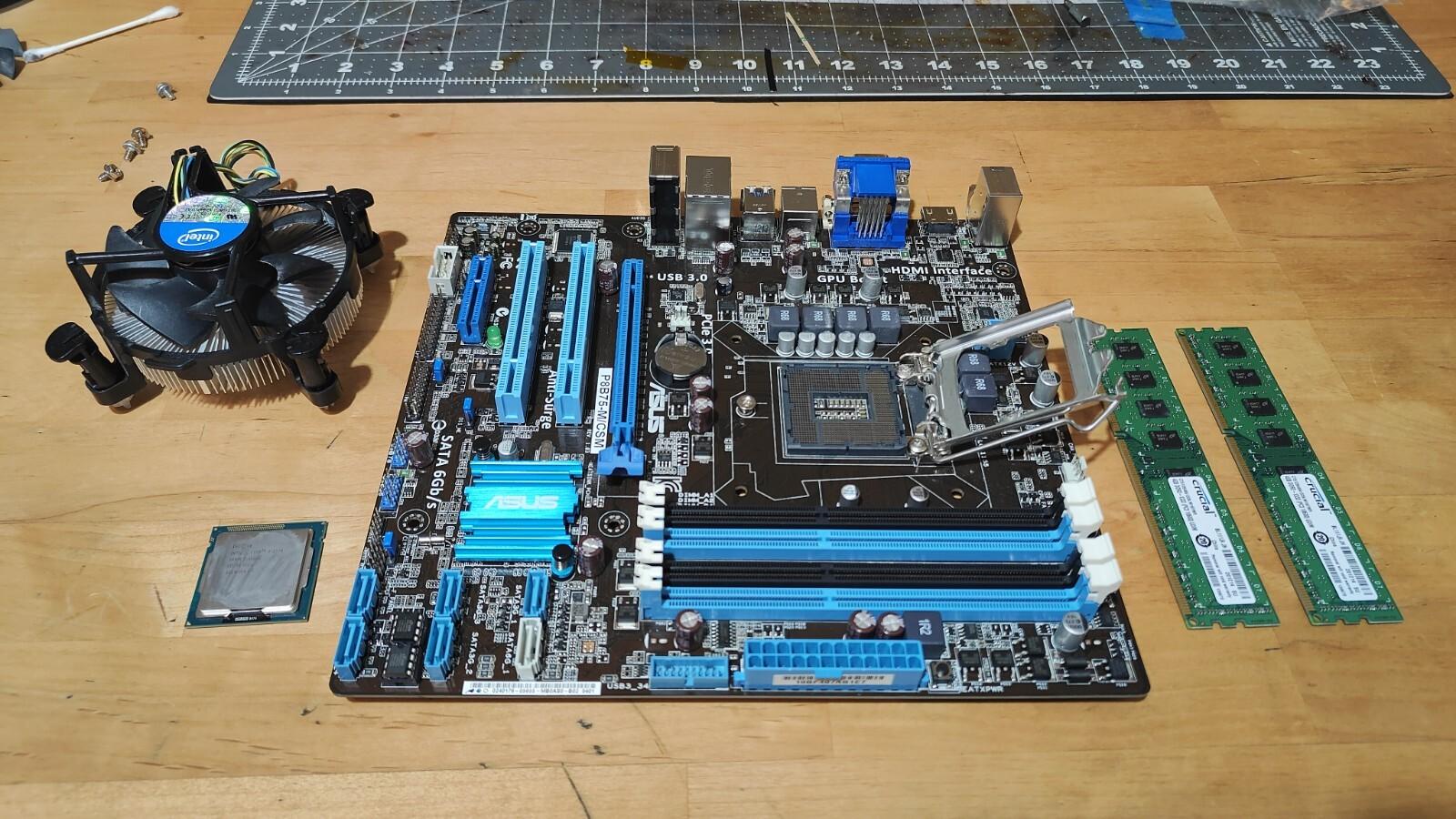
Tom’s Hardware is a useful reference for making component decisions and working through the build process. A thoughtfully balanced computer delivers more satisfaction than one assembled around a single impressive specification, particularly when reliability and everyday usability remain the primary goals.